Docs
Documentation
How to photograph a leaf, and what Leafwork does with it. The app is in active development — this covers what's stable today; deeper reference lands with the beta.
How to photograph a leaf
Photometric stereo needs one thing from you: the same leaf, shot several times under different light. Here's the setup.
- 01
Set the scene
Lay the leaf flat on a dark, matte surface. Put a small reflective ball (a steel bearing works well) in frame — it gives the app a reference for where your light is.
- 02
Lock the camera
Mount your phone or camera directly above the leaf and don't move it. Set focus, exposure, and white balance to manual, so only the lighting changes between shots.
- 03
Move the light
Take one photo per light direction — top, bottom, left, right, and angles between. Four is the minimum; more directions give a cleaner solve. Keep the light about the same distance each time.
- 04
Keep it still
The leaf and camera must stay put across every frame. If something shifts, the Align stage has more to do — and very large shifts can't be recovered.
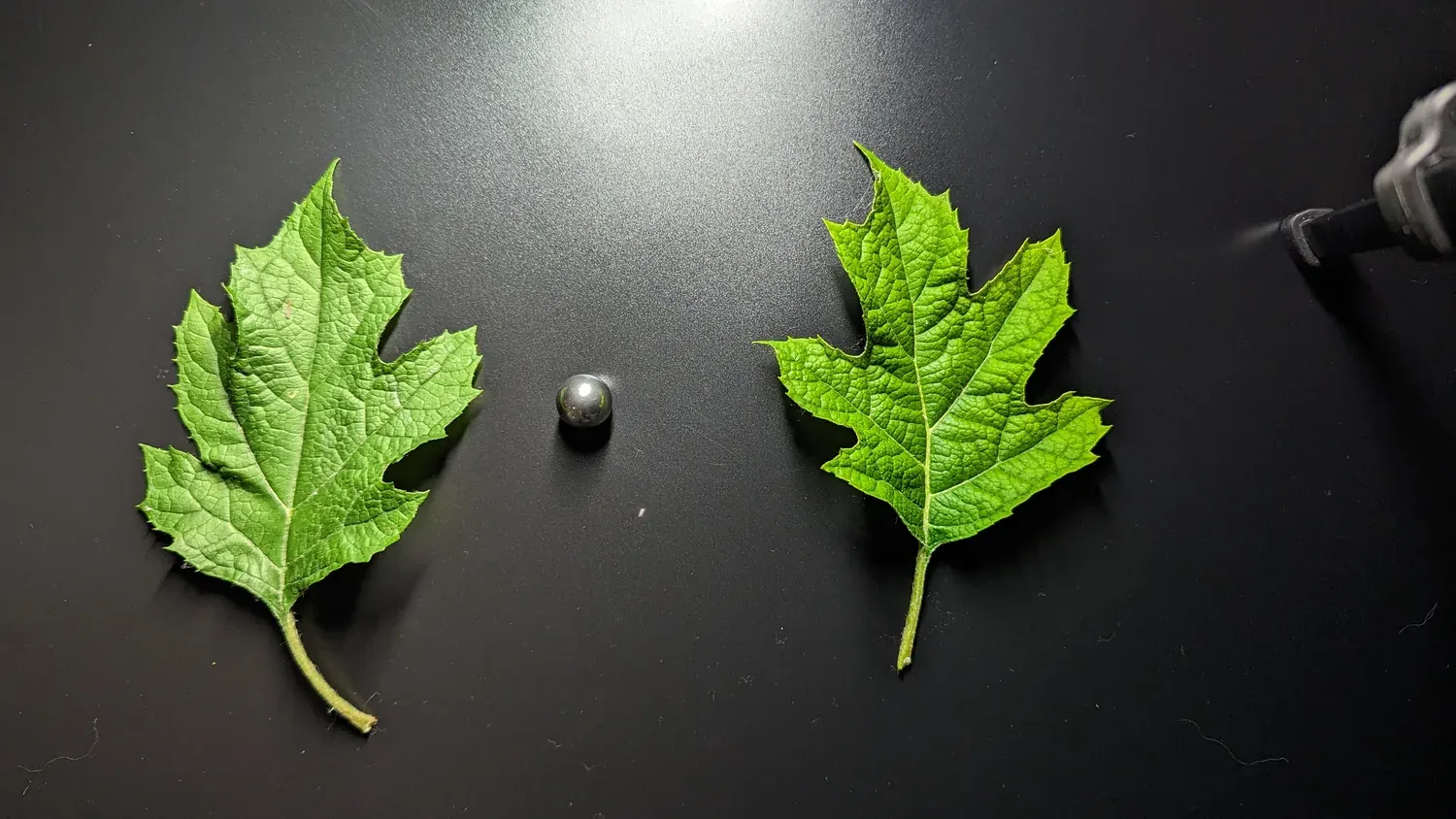
-
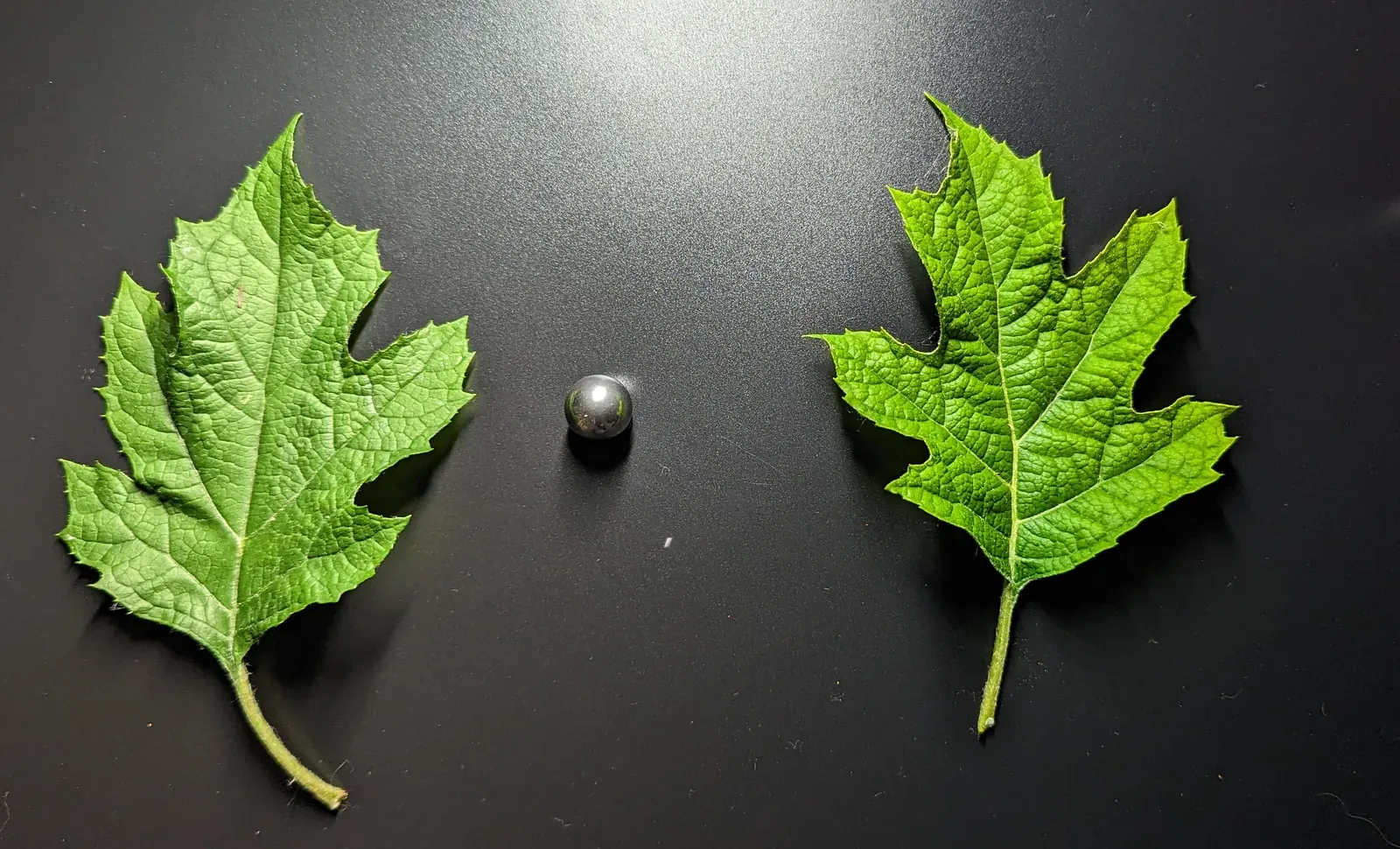 Top
Top -
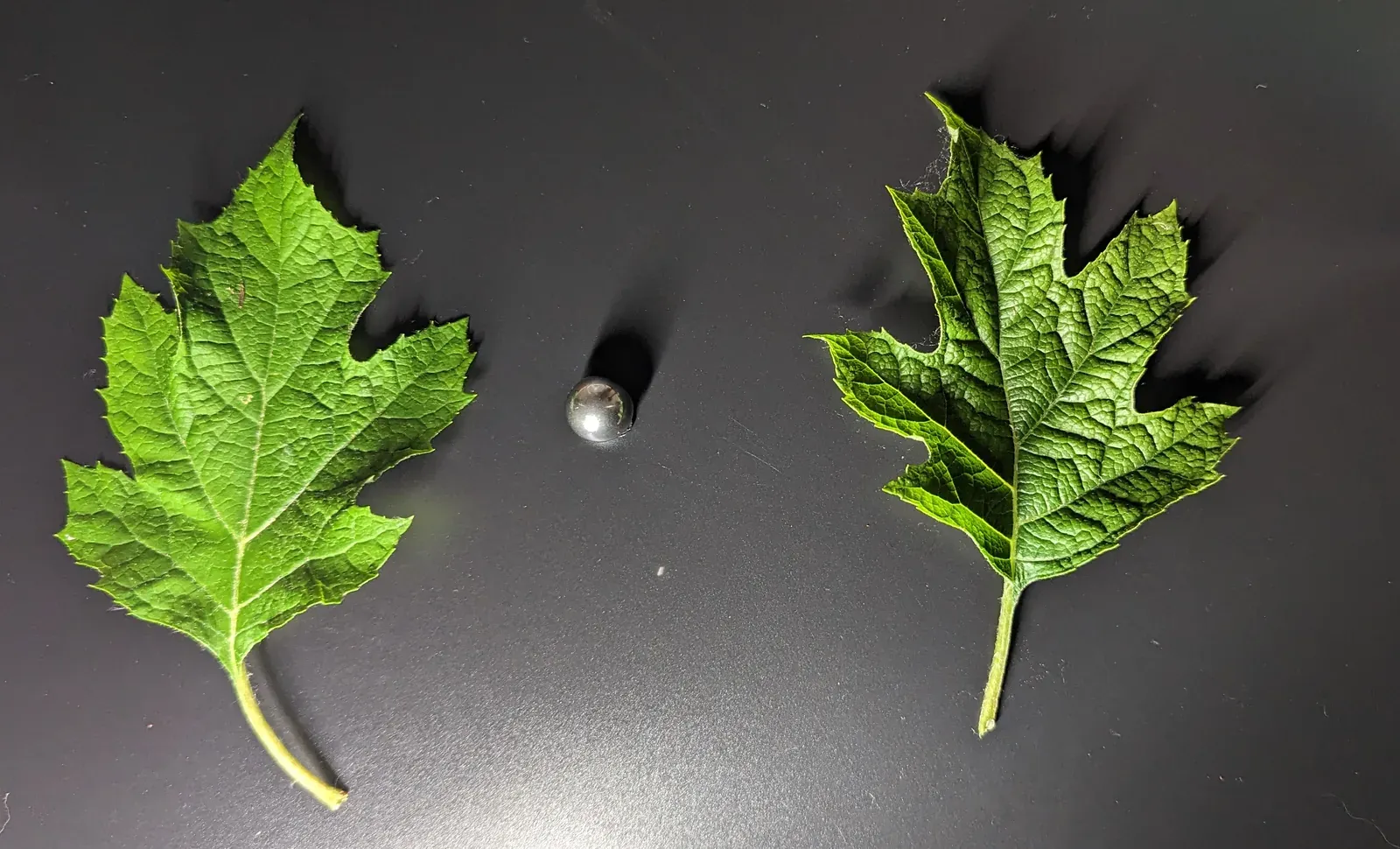 Bottom
 -
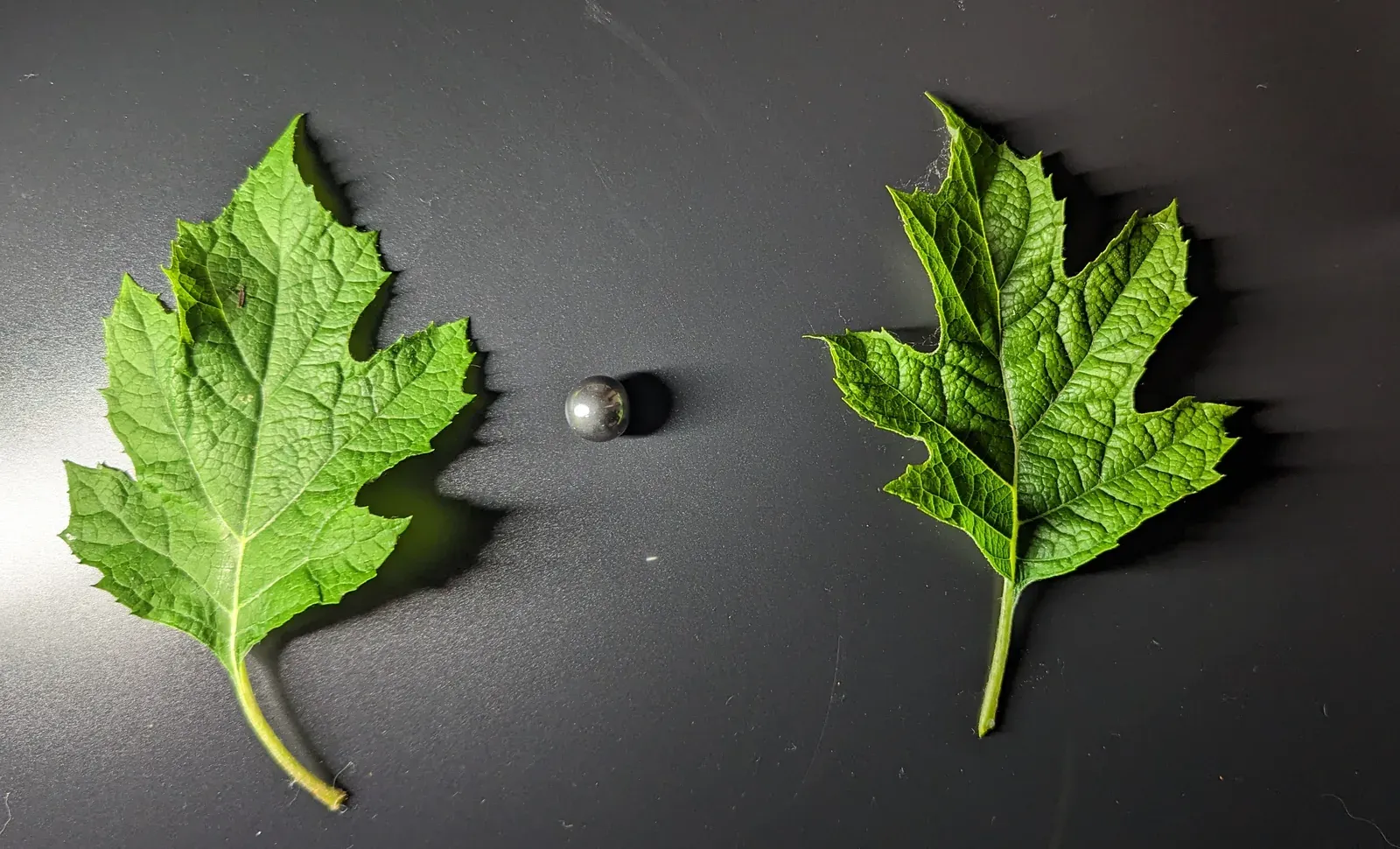 Left
Left -
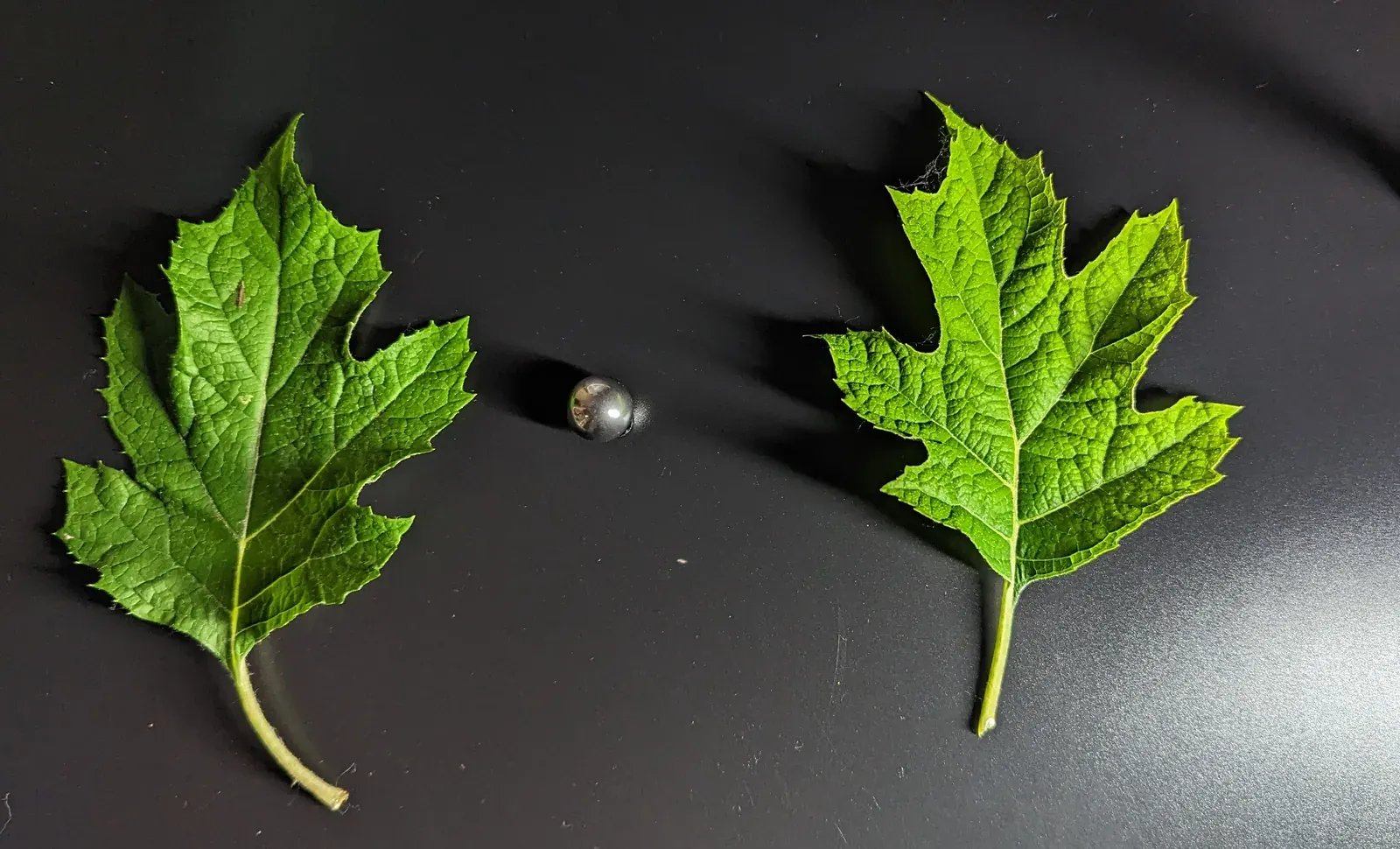 Right
Right
What Leafwork does with your photos
Your frames move through eight stages, from raw photos to finished maps.

- 01
Import
Bring your set of photos into a project.
- 02
Segment
Isolate the leaf from its background.
- 03
Refine Alpha
Clean up the leaf's edges for a precise cut-out.
- 04
Calibrate Lights
Tell the app where each light sat, using the reference sphere.
- 05
Align
Register the frames so they overlap pixel-for-pixel.
- 06
Solve
Run photometric stereo to recover surface normals and albedo.
- 07
Integrate
Turn the field of normals into a height map.
- 08
Export
Write the maps out in your chosen format and preset.
Reference
The deep-reference guides are written alongside the beta. Here's what's on the way.
-
Solvers
coming with the betaChoosing between the classical and learned photometric-stereo solvers, and when each wins.
-
Export & engine presets
coming with the betaOutput formats, map conventions, and getting textures into Blender, Substance, and game engines.
-
Troubleshooting
coming with the betaReading the app's messages and fixing common capture problems.
Ready to try it?
Download Leafwork PBR — the free tier is permanent — and capture your first leaf.
Something unclear? support@leafwork.io